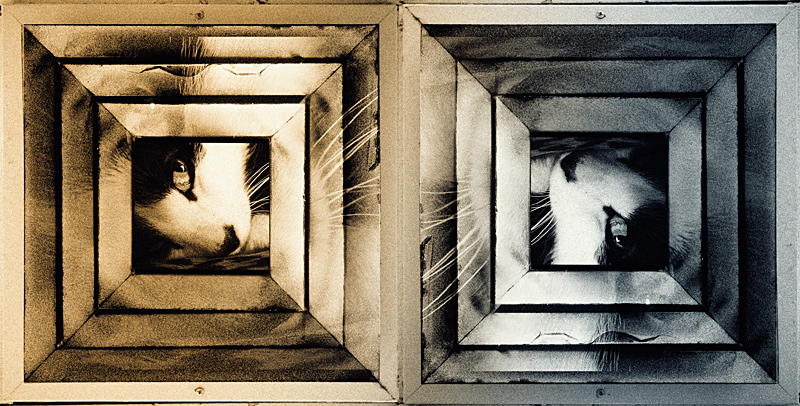
Started with an image of a ceiling vent here, use if you like:
I put the cat image (an oldie but goodie) as a new layer sized to fit on top of the black void in the vent. Then I put in the cat image again, this time sized over the whole image and set to overlay mode and masked out the central cat image. Copied image so far, doubled canvas size horizontally, pasted image and rotated 180. Next, created new layer from all visible layers below with "ctrl + alt + shift + e". On that I ran Color Efex Pro bi-colored filters, rotating the filter to be a vertical split rather than the default horizontal split. I did try a rotation so there would be a V instead of the diagonal in the central portion, but in the end I chose this. Taadaa...




 Add photograph to your favorites
 Add photographer to your favorites